Copilot Pay-As-You-Go Is Coming On by Default. Are Your Customers Ready for Variable Bills?
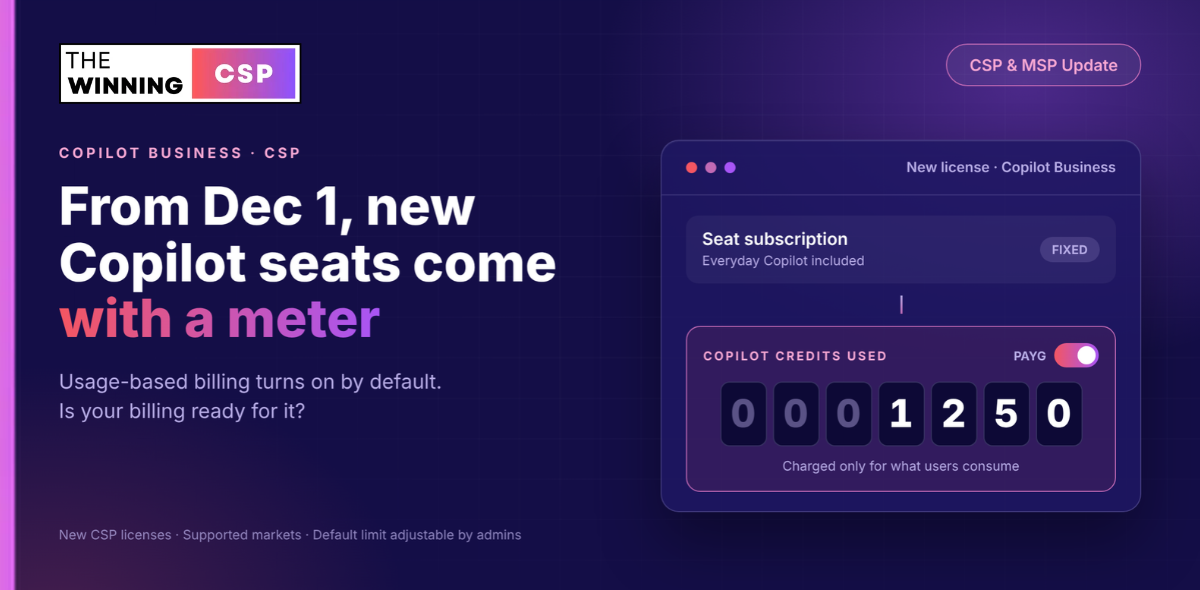
Microsoft has moved the date. Usage-based billing becomes the default for new Microsoft 365 Copilot Business licenses in CSP on December 1, 2026, and the Partner Center sandbox opens on November 2 so you can test it first.

Starting December 1, 2026, every new Microsoft 365 Copilot Business license purchased through CSP arrives with usage-based billing switched on. Pay-as-you-go becomes the default billing configuration, with a preset spending limit of 4,000 Copilot Credits per user per month. Microsoft first communicated November 2 as the effective date. On October 1 it moved go-live to December 1 and made November 2 the day Partner Center sandbox environments become available.
That makes this the first time a Copilot Business seat sold through CSP carries a variable charge by default. Customers pay only for what they actually consume, but every new license now comes with the ability to consume.
At Microsoft's published list rate of $0.01 per Copilot Credit, the default limit allows up to $40 per user per month in usage on top of the seat. Most users will consume far less, and many will consume nothing. But your sales, billing and support teams need to be able to explain that number, change it, and reconcile it before the first usage invoice arrives, not after a customer asks why their Copilot bill moved.
• Who: New Microsoft 365 Copilot Business licenses bought through CSP, standalone and in bundles.
• What credits pay for: Copilot Cowork, Work IQ APIs and GitHub Copilot Harness. Everyday Copilot stays in the seat.
• Azure setup included: New licenses come with the Azure subscription setup that usage-based billing needs.
• Not everywhere yet: At launch it won't be available in Australia, Belgium, Brazil, France, Germany, India, Italy, Korea, the Netherlands, Poland and Spain. If your customers are in India, December 1 doesn't apply to them yet.
Key Dates and Actions
- [NOW LIVE] — Copilot Cowork CSP Activation Incentive: Live since September 1, 2026, for indirect resellers and direct bill partners. Usage-based billing is what lets customers run Cowork, so default-on billing removes a step between a seat sale and an incentive-eligible activation.
- November 2, 2026 [START TESTING] — Partner Center sandbox environments available: Test new Copilot Business purchases, the default spending limit, and how usage charges flow into your billing and reconciliation before anything reaches a real customer.
- December 1, 2026 [GO-LIVE] — Usage-based billing on by default: Applies to new purchases of Microsoft 365 Copilot Business licenses in CSP, including standalone offers and bundles, in supported markets.
- [WATCH] — Excluded markets: The change initially won't be available in Australia, Belgium, Brazil, France, Germany, India, Italy, Korea, the Netherlands, Poland and Spain. Microsoft says it will share more as availability expands.
Team Playbooks — What Each Function Needs to Do
🔽 Sales Team
Before December 1:
- Update Copilot Business proposals and quote templates to state that new licenses include pay-as-you-go usage billing by default, with a 4,000-credit per-user monthly limit the customer's admin can change.
- Prepare a one-line answer to "will my bill change?": the seat price is the seat price, and usage charges apply only when users run usage-based experiences such as Copilot Cowork.
- Build your Cowork activation pipeline now. Default-on billing removes a setup step, which makes Cowork easier to switch on in new deployments.
🔽 Billing Team
Before December 1:
- Use the November 2 sandbox to see exactly how Copilot Credit usage appears on invoices and reconciliation files, and how it maps to your customer billing.
- Decide how you will pass usage charges through to customers: at cost, with a margin, or bundled into a managed service.
- Set an internal alert threshold per customer, so a usage spike is caught before the invoice rather than on it.
🔽 Support and Admin Team
Before December 1:
- Learn the Copilot > Cost management experience in the Microsoft 365 admin center: spending policies, user and group access, limits, alerts and credit requests.
- Agree with each customer who owns the spending policy: their admin, your managed service team, or both.
- Decide whether "Auto-apply new services" should stay on for each customer's spending policies. It is on by default.
🔽 Leadership and Finance
This quarter:
- Treat Copilot as two revenue lines from now on: a predictable seat line and a variable usage line.
- Decide whether to package an AI FinOps or usage governance service around this change.
- Watch the excluded-market list if you operate in Australia, India or any listed European market. Your rollout timing differs from partners elsewhere.
What Changes on December 1
New Copilot Business Licenses Arrive Ready to Consume
From December 1, 2026, usage-based billing is enabled by default for new Microsoft 365 Copilot Business licenses purchased in CSP. That covers standalone offers and bundles. Pay-as-you-go becomes the default billing configuration, so eligible usage-based experiences work without the multi-step billing setup they need today.
The practical difference is the Azure subscription. Today, an admin who wants usage-based billing has to enable it and connect an Azure subscription to support billing. From December 1, new Copilot Business licenses include the Azure subscription setup needed for usage-based billing.
| Before December 1 | From December 1 (new licenses) | |
|---|---|---|
| Usage-based billing | Admin enables it | On by default |
| Azure subscription for billing | Admin connects one | Setup included with the license |
| Default spending limit | Set by the admin | 4,000 Copilot Credits per user per month, adjustable |
| Billing for usage | Pay-as-you-go or prepaid credits | Pay-as-you-go by default |
The announcement describes new purchases. It does not describe a change to existing Copilot Business subscriptions, so don't assume existing customers are switched over. Confirm against Microsoft's UBB Default On FAQ before you tell an existing customer anything either way.
Action Required
- Read the UBB Default On FAQ and the UBB for SMB partner opportunity presentation.
- Brief every team that quotes or provisions Copilot Business on the change and the preset monthly limit.
- Confirm with the FAQ how the change applies, if at all, to existing subscriptions before advising current customers.
What Copilot Credits Actually Pay For
The Seat Covers Everyday Copilot. Credits Cover the Advanced Work.
Copilot Credits are Microsoft's common currency for usage-based AI. They are pooled at the tenant level, and a customer's cost is the sum of credits consumed across every supported experience. The number of credits used per action depends on the complexity of the task.
The split between seat and usage is the conversation your customers will want explained:
| Covered by the per-user Copilot subscription | Consumes Copilot Credits |
|---|---|
| Copilot Chat | Copilot Cowork tasks |
| Copilot in Word, Excel, PowerPoint, OneNote, Outlook and Teams | Apps built with Copilot Cowork (Frontier program) and their hosting |
| Researcher, Analyst and Facilitator | Work IQ APIs used by agents and AI solutions |
| Work IQ grounding across email, calendar, files and people | GitHub Copilot Harness in Copilot Studio |
Two details are worth carrying into customer conversations:
- Cowork needs usage-based billing switched on. Microsoft lists Copilot Credits usage-based billing as a Cowork prerequisite, alongside a Copilot license, Cowork enabled, and Anthropic enabled in the tenant. Default-on billing removes one of those steps for new Copilot Business customers.
- Work IQ API pricing has two parts. The Work IQ Tools API consumes a fixed 0.1 Copilot Credit per call. Chat and Context API calls consume a variable amount driven by models, runtime, context and tools.
Action Required
- Read Microsoft's Copilot Credits licensing guidance so your team quotes from the source.
- Identify which of your customers already use, or plan to use, Cowork, Work IQ APIs or Copilot Studio agents. They are the ones whose usage line will move.
The 4,000-Credit Default Limit
A Ceiling, Not a Forecast
The default spending limit for new Copilot Business licenses is 4,000 Copilot Credits per user per month, and admins can adjust it. Microsoft's own example: a customer with 100 Copilot Business users could consume up to 400,000 Copilot Credits a month under the default limit, with usage-based charges based on actual usage.
At Microsoft's published pay-as-you-go list rate of $0.01 per Copilot Credit, billed in arrears at the end of the billing month, that ceiling translates as follows. Microsoft notes all pricing is in USD and subject to change, and your CSP pricing may differ from list.
| Copilot Business users | Maximum credits per month at default limit | Maximum usage at $0.01 list rate |
|---|---|---|
| 10 | 40,000 | $400 |
| 25 | 100,000 | $1,000 |
| 100 | 400,000 | $4,000 |
These are maximums at the default setting, not expected bills. A customer whose users never run Cowork, Work IQ APIs or other usage-based experiences consumes nothing.
Where the Controls Live
Admins govern usage in Copilot > Cost management in the Microsoft 365 admin center. From there they can:
- Create spending policies that control which users and groups can consume Copilot Credits.
- Set organization-level and user-level spending limits.
- Configure policy alerts and user-level threshold notifications.
- Route credit requests from users who need access or a higher limit.
- Review consumption by spending policy, user, group, agent, service and funding source.
Reader-based roles can view consumption dashboards without permission to change policies, which lets finance and operations teams monitor spend with read-only access.
Action Required
- Model expected usage with Microsoft's Copilot Credit Estimator before setting limits.
- Read Managing AI experiences enabled by usage-based billing so your admins can configure policies, limits and alerts.
- Give customer finance contacts a read-only role on the consumption dashboard where appropriate.
Where It Isn't Rolling Out Yet
Eleven Markets Start Without Default-On Billing
The change rolls out to eligible customers in supported markets. At launch it won't be available in:
Australia, Belgium, Brazil, France, Germany, India, Italy, Korea, the Netherlands, Poland and Spain.
Microsoft says it will share more information as availability expands to these markets.
For partners selling into these markets, December 1 is not your go-live date, and nothing in the announcement gives a replacement date. That cuts both ways. You have more time to prepare, but you also can't promise customers the simpler setup yet.
Action Required
- Map your customer base by market and flag which customers fall inside and outside the initial rollout.
- Don't build customer communications that promise a December 1 change in excluded markets.
- Watch Partner Center announcements for availability updates.
The Partner Upside
Less Setup, Faster Activation, More Ways to Earn
Microsoft frames three benefits for partners:
- Less setup friction. New licenses include the Azure subscription setup that usage-based billing needs.
- More focus on adoption. Less time on multi-step billing configuration, more time helping customers activate high-value scenarios.
- Greater growth opportunity. Early usage creates a natural path to expanded consumption, upsell conversations, and the Copilot Cowork activation incentive.
The incentive is the part with money attached. The Copilot Cowork CSP Activation Incentive, live since September 1, 2026, rewards partners for driving customer adoption and usage of Cowork, and combines with existing CSP incentives for indirect resellers and direct bill partners. Because Cowork requires usage-based billing, every new Copilot Business customer who starts with it switched on is one fewer setup barrier between a seat sale and an activation.
For customers who settle into heavy, predictable usage, Microsoft also offers the Copilot Credit Pre-Purchase Plan (P3): a one-year, pay-upfront pool of credits with discounts from 5% at 300,000 credits up to 20% at 300,000,000 credits. Usage beyond the pool can fall back to pay-as-you-go, and unused credits expire at the end of the annual term.
Action Required
- Review the Copilot Cowork activation incentive and identify customers with Cowork potential.
- Build a usage review into your Copilot account management rhythm, so P3 conversations happen on evidence.
The Risk Side — Variable Bills and Reconciliation
What Changes When a Seat Starts Carrying a Meter
Copilot Business has been a fixed-price conversation: seats times price. From December 1, every new license can also generate a monthly usage charge. Four things follow for CSPs.
- Customer bills stop being predictable by default. Usage is billed in arrears at the end of the billing month, so the first time a customer sees a usage charge is on an invoice, unless you've told them first.
- Credits are pooled at the tenant level. Cowork, Copilot Studio agents, Dynamics 365 agents and Work IQ APIs can all draw on the same tenant credit consumption. One department's experiment shows up on the whole customer's bill.
- Spending policies can grow on their own. The "Auto-apply new services" setting is on by default, so future supported Copilot services and agents inherit an existing policy automatically. That's convenient, and it also means new services can start consuming credits without a fresh decision. Admins can turn the setting off where they want to review new services first.
- Your reconciliation gets a new line type. Variable, per-tenant usage charges need to be matched to customers, marked up or passed through, and explained, every month, alongside the fixed seat lines you already manage.
Action Required
- Review each customer's spending policies and decide deliberately whether "Auto-apply new services" stays on.
- Read how Copilot Credit consumption appears in the Microsoft 365 admin center and on the Azure bill so your billing team can reconcile the two views.
- Agree an escalation path with each customer for usage that approaches the limit.
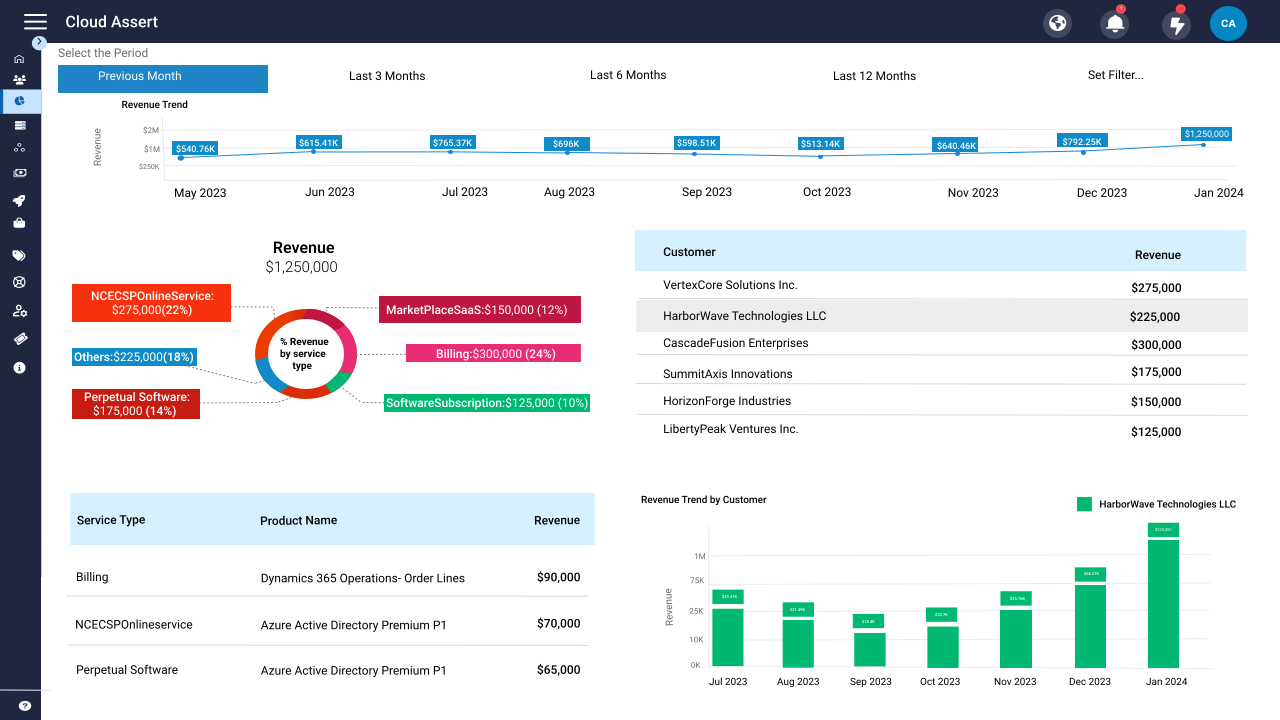
Variable usage lines, tenant-pooled credits, and seat charges on the same invoice — this is exactly the reconciliation work that eats partner teams' time. Hybr ® handles CSP billing, usage reconciliation, and subscription management so your team can focus on adoption, not spreadsheets.
Your November 2 Sandbox Checklist
What to Validate Before December 1
Microsoft is opening Partner Center sandbox environments on November 2 specifically to support partner technical readiness and testing. Use that window to answer these questions with evidence rather than assumptions:
- Purchase flow. Transact a new Copilot Business license, both standalone and in a bundle, and confirm usage-based billing is enabled by default.
- Default limit. Confirm the 4,000-credit per-user monthly limit is applied, and practise changing it at policy and user level.
- Admin experience. Walk through Copilot > Cost management as a customer admin would: policies, alerts, credit requests and consumption views.
- Billing output. Check how usage charges appear in your invoice and reconciliation data, and how they're identified per customer.
- Your own systems. Confirm your billing platform, PSA and customer portal can ingest, mark up and present the new usage lines.
- Customer communication. Draft the notice that new Copilot Business customers will receive from you, explaining seat versus usage and who controls the limit.
- Support runbook. Write the answer your service desk gives when a customer asks "why did my Copilot bill change?"
10 Questions CSPs Should Be Asking Right Now
1) Is the go-live date November 2 or December 1?
December 1, 2026. Microsoft originally communicated November 2, then updated the effective date on October 1. November 2 is now when Partner Center sandbox environments become available for testing.
2) Does this change the price of a Copilot Business seat?
No. The change is about billing configuration. Usage-based charges apply on top of the seat only when users consume Copilot Credits through usage-based experiences.
3) Which licenses does it apply to?
New purchases of Microsoft 365 Copilot Business licenses in CSP, including standalone offers and bundles. The announcement doesn't describe changes to existing subscriptions, so check the UBB Default On FAQ before advising current customers.
4) What will my customers actually be charged for?
Copilot Credits consumed by experiences such as Copilot Cowork, apps built with Cowork, Work IQ APIs and GitHub Copilot Harness. Copilot Chat, Copilot in the Microsoft 365 apps, and agents like Researcher and Analyst are part of the per-user subscription.
5) What's the most a customer can spend under the default setting?
Up to 4,000 Copilot Credits per user per month. At Microsoft's published list rate of $0.01 per credit, that's up to $40 per user per month. It's a ceiling, not an expected bill, and admins can lower or raise it.
6) Who controls the limit, and where?
The customer's admins, in Copilot > Cost management in the Microsoft 365 admin center. They can set organization and user limits, control access by user and group, configure alerts, and review consumption.
7) My customers are in India. Does this apply to them on December 1?
Not at launch. India is one of eleven markets where the change initially won't be available, along with Australia, Belgium, Brazil, France, Germany, Italy, Korea, the Netherlands, Poland and Spain.
8) Could new Copilot services start consuming credits without anyone deciding?
Potentially. Spending policies have "Auto-apply new services" switched on by default, so future supported services and agents inherit the policy. Admins can switch it off for policies where they want to review new services first.
9) How does this help me earn more?
New licenses arrive ready for usage-based experiences, which shortens the path to Cowork activation. That supports the Copilot Cowork CSP Activation Incentive, which combines with existing CSP incentives, and creates room for governance and AI FinOps services.
10) What should I do first?
Read the UBB Default On FAQ, brief your sales and billing teams, and book time in the sandbox from November 2 to test the purchase flow, the default limit and how usage appears in your billing data.
Need help preparing your billing for usage-based Copilot? The Hybr ® team works with CSP partners to simplify billing, usage reconciliation, and subscription management. Get in touch →
CSP Billing Ultimate 2026
Elite Growth Platform for Ambitious Businesses